How to Log a Meal You Cooked in FORM
Log home-cooked meals in FORM with a photo or a text description. Edit grams, adjust ingredients, and skip manual diary entry.
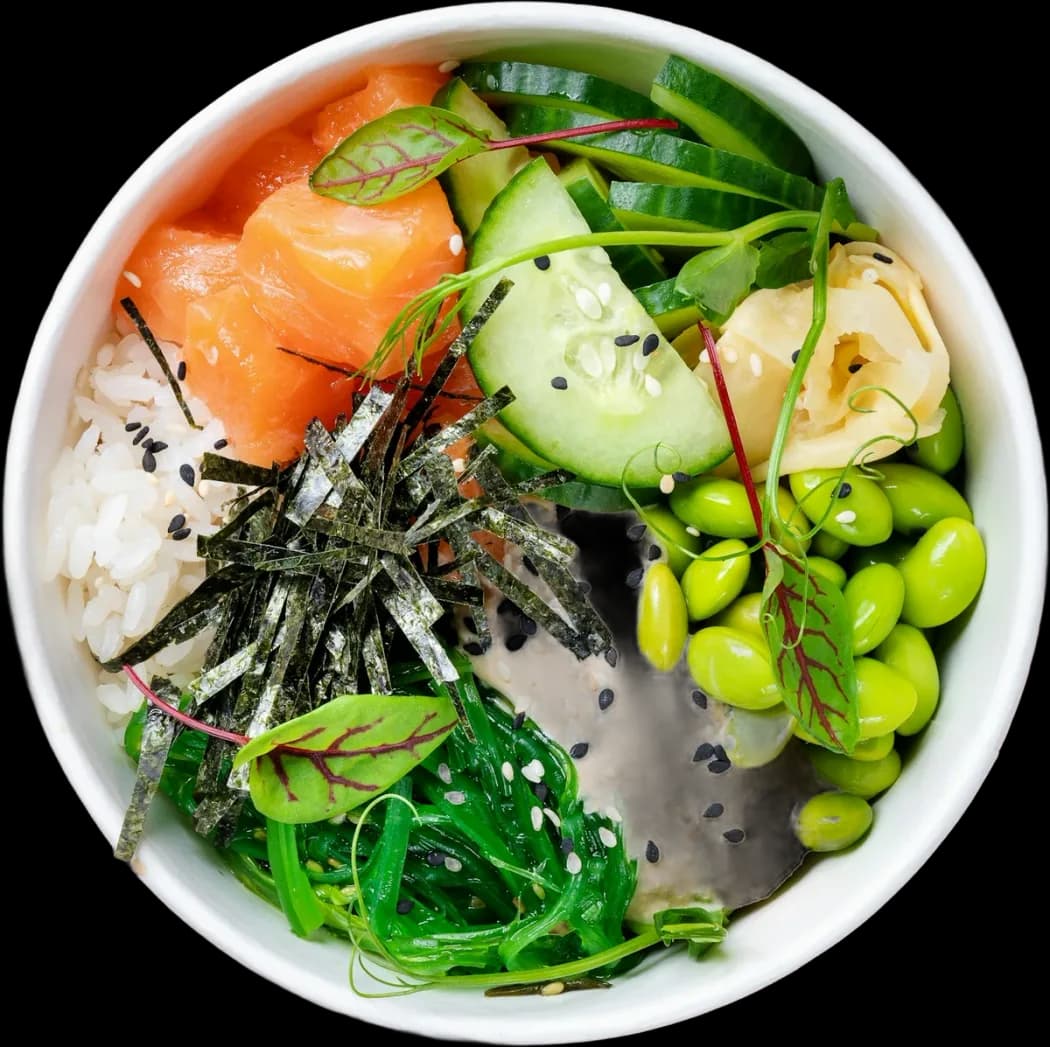
Two ways to capture home cooking
Home cooking presents different variables than packaged food. A recipe has raw weights, cooking oils, combined ingredients, and variable serving sizes. Traditional calorie trackers force you to search for every ingredient one by one and build a custom recipe entry before you sit down to eat. FORM removes that friction by letting you log the finished dish directly.
You have two primary options when logging a meal you prepared yourself. You can photograph the finished plate, or you can describe the preparation in a sentence. Both routes produce a structured meal card with protein, carbs, fat, energy, and a Food Score.
Option 1: Photograph the finished plate
The fastest method is to point your camera at the plate before you eat. FORM identifies the distinct elements on the surface, such as grilled chicken breast, roasted potatoes, and steamed greens. The model estimates volume and maps the components to macronutrient profiles.
- Position the camera directly above the plate with adequate light so edges are clear.
- Include side bowls or dressings in the frame if you plan to consume them.
- Review the resulting meal card to verify that hidden fats or grains were identified.
Option 2: Describe the meal in a sentence
If you cooked a complex multi-ingredient dish where individual components are mixed together, a photo might not reveal the full composition. A chili, stew, pasta bake, or curry conceals base ingredients beneath sauce. For these meals, typing or dictating a short sentence provides higher accuracy than visual analysis alone.
Write what went into the pan: 200g lean ground beef, half an onion, one cup kidney beans, canned tomatoes, and two teaspoons olive oil. FORM parses the text, breaks down the raw components, and calculates the total values for the portion you specify.
Edit grams when you know them
Estimates can be wrong. Vision models estimate portion volume by surface area, which works well for solid foods but can misjudge dense proteins or starches. If you weighed your ingredients on a kitchen scale before cooking, use those exact numbers.
- Tap any line item on the generated meal card to adjust its weight in grams.
- Add an ingredient that the camera missed, such as butter or cooking oil.
- Delete an ingredient if FORM misidentified a sauce or vegetable.
- Adjust the portion slider if you cooked four servings and ate one.
Skip the separate recipe diary
You do not need to maintain a separate recipe database or manual food spreadsheet. In FORM, your logged meals remain accessible in your timeline. When you cook the same meal again, you can refer back to the exact macro breakdown without re-entering the entire ingredient list from scratch.
The goal of logging home cooking is clear data on what you fuel your body with, without turning dinner preparation into administrative work. Capture the plate, refine the numbers when precision matters, and move on.
FAQ
How does FORM handle cooking oils used in home meals?
A photograph cannot always detect clear oils absorbed into food. If you cooked with butter or oil, type it into the meal description or tap the meal card to add it manually.
Can I log a meal cooked for multiple people?
Yes. Describe the full batch and state the fraction you ate, or simply photograph your individual plated portion.
Do I need to weigh every ingredient before cooking?
No. Kitchen scales provide maximum precision, but FORM will generate estimated weights from a plate photograph or descriptive sentence if you do not weigh your food.