Logging Meals When You Eat in a Window
How to handle time-restricted eating in FORM. Log your meals when you eat them without timers, protocols, or fasting streaks.
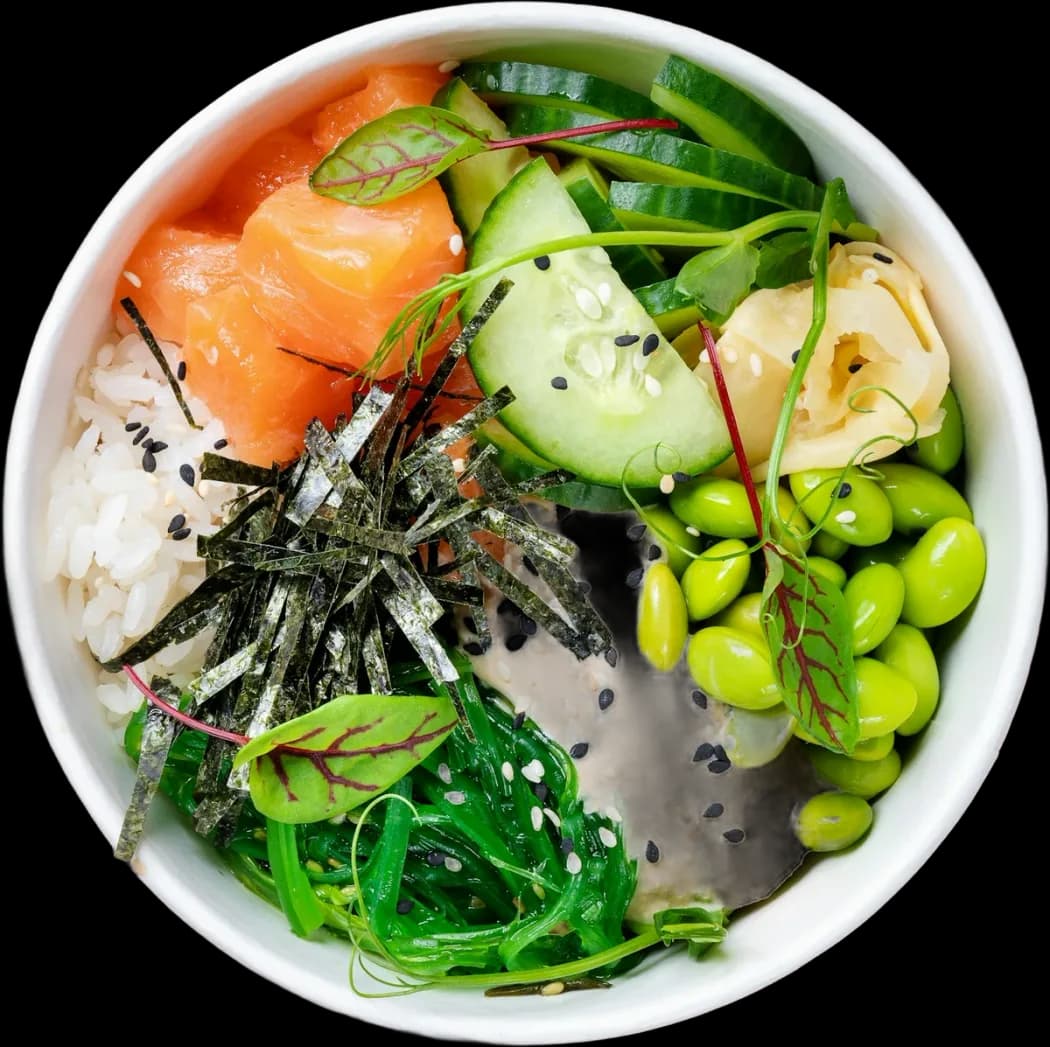
FORM tracks meals, not empty hours
Many people organize their food around specific eating windows. Some choose an eight-hour window between noon and eight in the evening. Others shift their intake earlier or later to fit shift work, training sessions, or family schedules. FORM handles this pattern by logging the food you eat when you consume it, without running clocks or scoring periods of abstinence.
FORM is not a fasting app and does not sell fasting protocols. You will not find countdown timers, fasting streaks, or fasting badges inside the app. Those tools focus on the hours between meals. FORM focuses on the meals themselves: protein, carbs, fat, energy, and overall food quality.
Log when you break the fast
When your eating window opens, record what lands on your plate. You can capture meals using whichever method fits your setup:
- Scan a plate using the camera to identify individual portions.
- Scan a barcode on packaged items to pull verified nutritional data.
- Photograph a restaurant menu when dining out to pull meal estimates.
- Type or speak a short sentence describing the meal directly into the app.
Each logged entry builds a meal card. The card displays estimates for protein, carbs, fat, and energy, alongside a Food Score. If the scan captures six ounces of grilled chicken when you served eight, tap the card and edit the gram weights or ingredient lines. Estimates require calibration from you to stay accurate.
Consolidating intake into fewer meals
Eating inside a compressed window usually means fewer, larger meals. Instead of four or five small distributions throughout the day, you might consume your targets in two or three larger plates. FORM does not divide your day into pre-set meal slots like breakfast, lunch, and dinner. Meals appear sequentially as you log them.
This structure keeps the focus on daily totals rather than arbitrary timing categories. If your first meal contains 65 grams of protein and 900 calories at one in the afternoon, the card reflects those numbers directly. Your running totals update immediately, giving you a clear read on what you need to hit before your window closes.
How training and recovery interact with your window
If you train before your window opens, your energy output precedes your fuel input. FORM reads both sides of that equation. Workouts logged in FORM contribute to your daily training volume, while sleep and recovery data flow in from connected sensors.
An Apple Watch linked through Apple Health, or a Samsung, Garmin, or other device connected via Health Connect, provides the raw inputs for sleep duration and overnight recovery. FORM brings those reads together with your logged training and nutrition to calculate your daily Health Score. This score is not a clinical assessment. It provides a composite read of how your sleep, training, and nutrition align across the day, regardless of which hours you choose to eat.
No medical claims or protocols
FORM does not prescribe intermittent fasting, time-restricted feeding, or prolonged fasts. FORM is not a medical device, does not monitor blood glucose, and does not replace professional clinical advice. How you schedule your meals is your decision. Use FORM to verify that the food inside your window meets your targets for energy, macronutrients, and quality.
FAQ
Does FORM have a fasting timer?
No. FORM does not feature countdown timers, fasting clocks, or streaks for empty hours. It tracks the meals you log.
Can I edit meal times if I log after my window closes?
Yes. You can edit the details on any meal card at any time, including portion sizes, ingredients, and nutritional values.
Does eating in a window change my Health Score?
The Health Score evaluates your overall food quality, total macros, logged workouts, and sleep recovery. It does not penalize or reward the specific hours you choose to eat.