AI calorie counter: calories from a photo
How an AI calorie counter estimates a meal from a photo, where it goes wrong, and when a barcode, a menu or a typed line works better.
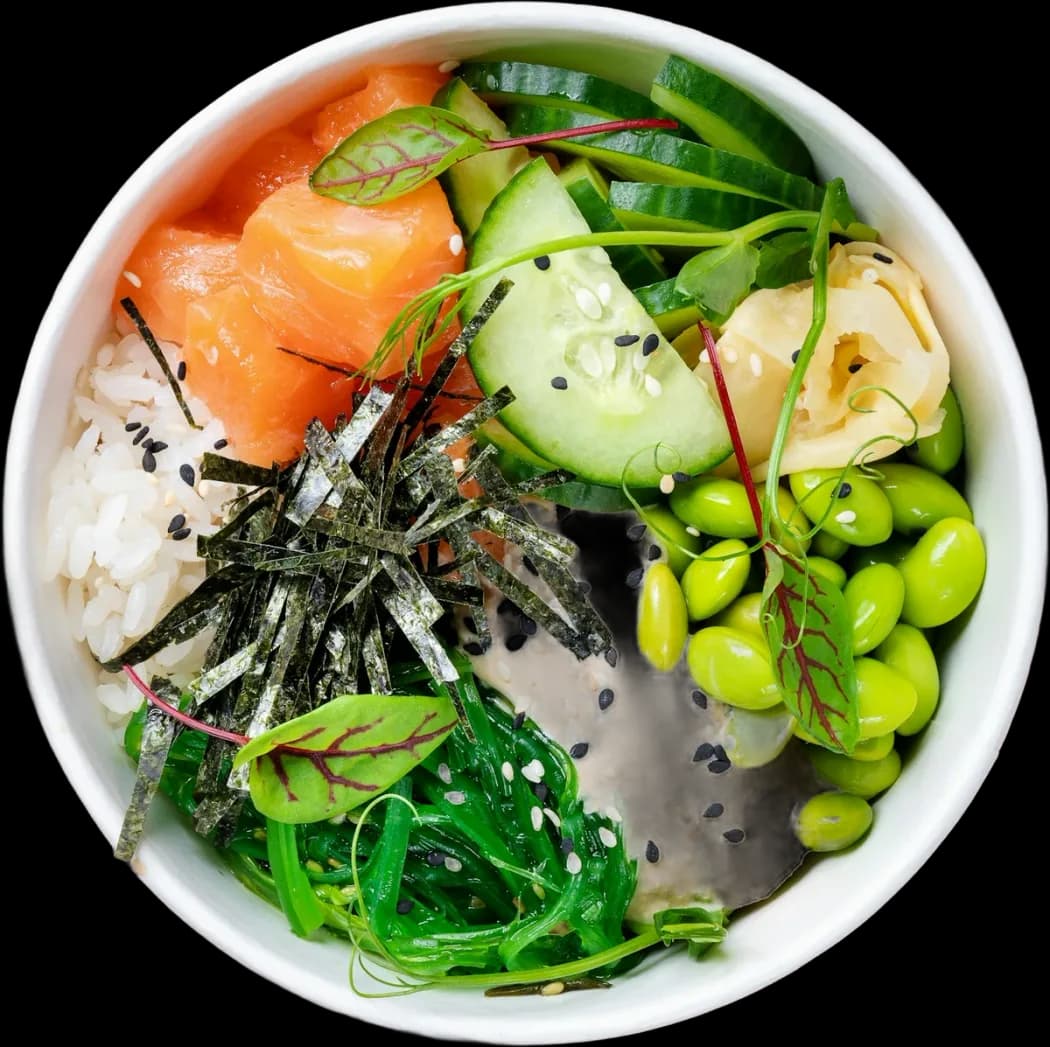
How does an AI calorie counter work?
An AI calorie counter estimates a meal’s nutrition from a photo or a short description. A vision model identifies each food, estimates its portion from visual cues, and matches it to a nutrition database to add up calories, protein, carbs and fat. The results are estimates. Portion size, hidden oil and sauces cause most of the error, so a quick edit improves them.
How it works in FORM
- Photograph the plateOpen scan and point the camera at the meal, or pick a photo from your gallery. Shoot from above in good light, with the whole plate in frame.
- Read what FORM foundFORM lists each food it identified, with a portion, calories and macros. Check the list before you save.
- Fix what the photo missedChange a portion, delete a wrong guess, or add the oil and sauce you saw go in. Swap any item with a USDA or Open Food Facts search.
- Save the mealThe meal lands on today with a Food Score and one tip. Save it as a meal if you eat it often, so you can log it again without scanning.
Three jobs inside every photo log
An AI calorie counter does three things in a row. First, recognition: which foods are on the plate. Second, portion: how much of each. Third, lookup: what that amount of that food contains. Recognition is the part models are good at. Rice, a chicken thigh and a pile of broccoli are easy to name. Portion is the hard part. A photo is flat. It can’t weigh the rice, see how deep the bowl goes, or know whether the chicken was cooked in a spoon of oil or none. Lookup is only as good as the database behind it.
That’s why two scans of the same dish can differ, and why the number on the card is a starting point. The useful question isn’t “is it exact?” It’s “is it close enough that I’ll keep logging?” For most people, a fast estimate they actually record beats a precise diary they abandon by Thursday.
How FORM handles a photo
FORM turns the photo into an editable list of ingredients, not one opaque number. Each line has its own portion, calories, protein, carbs and fat. Change any line, remove one, or add what the camera couldn’t see. If an item looks wrong, search USDA or Open Food Facts data and swap it. Every meal also carries fiber, sugar and sodium. When an item matches a USDA entry, it can add up to ten micronutrients, such as iron, calcium and vitamin D.
A photo is one of four ways in. For packaged food, the barcode scanner reads the label data instead of guessing. At a restaurant, the menu scanner reads every dish on the list. The guide to logging by photo or text walks through the everyday flow. The table is the short version.
Four ways to log a meal
| Capture path | Best for | Weak spot |
|---|---|---|
| Plate photo | Home-cooked plates and simple dishes you can see clearly | Hidden oil, sauces, stacked or mixed food, dim light |
| Barcode | Anything packaged: yogurt, bars, cereal, drinks | Products missing from the database, and servings you don’t check |
| Menu photo | Restaurants and cafes, before or after you order | Kitchens vary, and portions drift from the description |
| Text | Meals already eaten, drinks, dark rooms, food that doesn’t photograph | A vague sentence returns vague numbers |
Where photo scanning works, and where it struggles
- Clear plates: separate foods, a top-down view and good light. This is where photo estimates land closest.
- Mixed dishes: soups, stews, curries and casseroles hide ingredients under the surface. Add what you know is in them.
- Oil and dressing: close to invisible in a photo, and a tablespoon of oil is about 120 kcal. Add it by hand when you saw it go in.
- Drinks: a latte or a smoothie hides what’s inside. Describe it in text instead.
- Unusual portions: a very large or very small serving is easy to misjudge from above. Check the grams on each line.
Honest limits
No camera measures what it can’t see. Expect a photo estimate to be closest on simple plates and furthest off on rich, mixed or restaurant food. FORM doesn’t weigh your food, and its numbers are not lab values. If you need precise intake for a medical reason, work with a dietitian and a kitchen scale. FORM has no voice logging and no recipe builder. If you cook the same dish often, log it once, edit it until it’s right, and save it.
If you’re weighing up photo-first apps, FORM vs Cal AI covers the difference in scope: one logs the plate, the other logs the plate and the rest of the day.
What happens after the scan
A logged meal doesn’t sit alone. Its calories and macros count toward targets set from your goal, which the macro tracker explains. The meal gets a Food Score from 0 to 100 with one tip. It also feeds the daily Health Score through protein, fiber and meal quality, on the same day as the workout you logged and the night your watch recorded. With permission, meals are written back to Apple Health. The point of a quick photo is that the rest of the day can use it.
FAQ
How accurate are AI calorie counters?
Close on simple plates, less so on mixed dishes, fried food and restaurant meals, where oil and sauces don’t show. Treat the number as an estimate and edit portions when you know better.
Can I count calories from a photo in my gallery?
Yes. FORM takes a photo from the camera or from your gallery, so you can log a meal you shot earlier.
What angle should I take the food photo from?
From above or at a slight angle, with the whole plate in frame and good light. Shoot before you start eating.
Can I log meals by voice?
No. FORM logs meals from a plate photo, a barcode, a menu photo or a typed description.